

Where to find it
Open Settings → Network Map.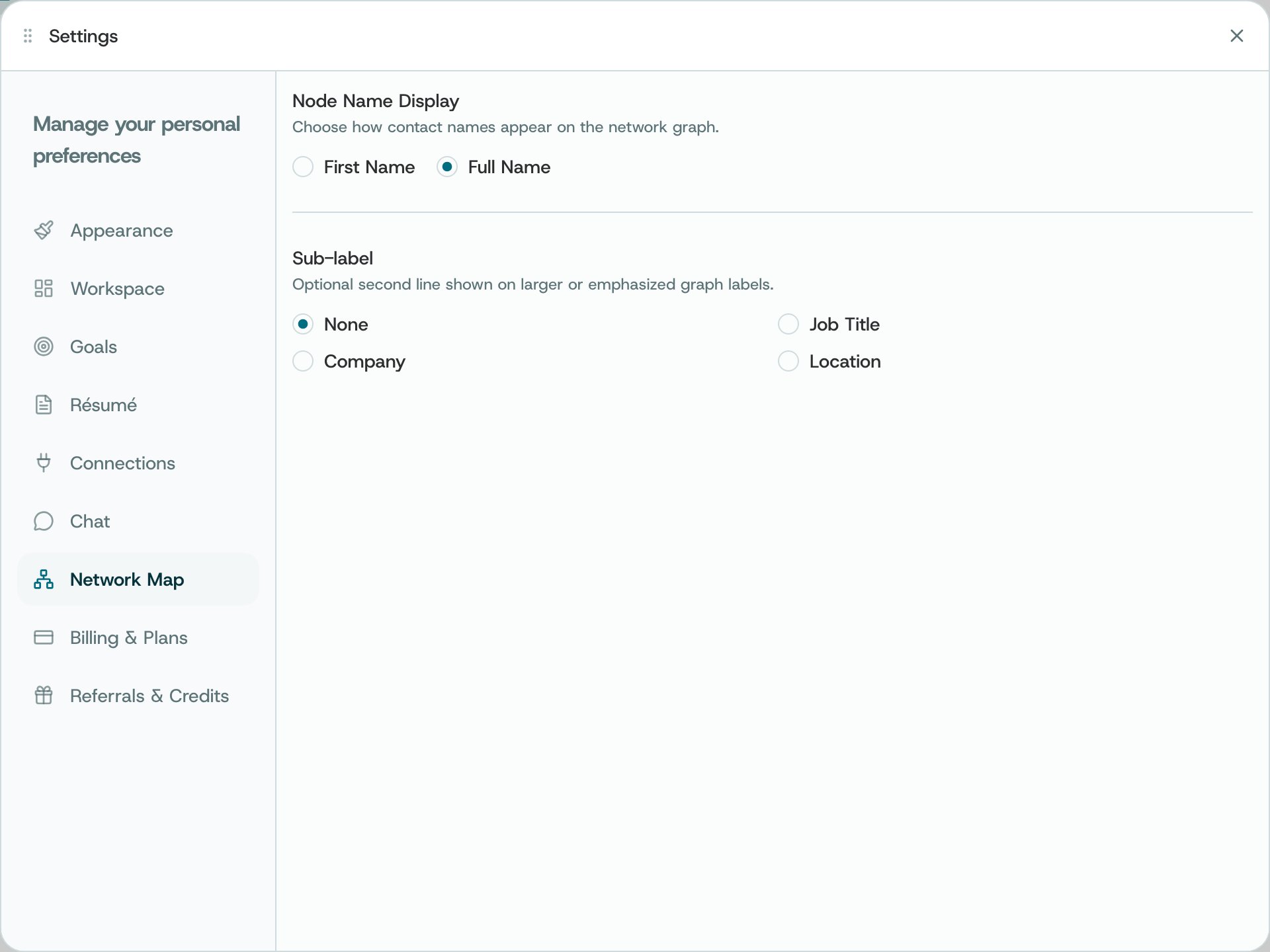
Settings → Network Map
What you can do
- Choose whether the map shows a member’s first name or full name.
- Choose the extra detail shown beneath larger or highlighted names, or select None to keep them simple.
How to use it
- Return to Network to see how the names and labels look.
- Use the Network page’s network choices and view options to change what is shown. These settings only change the labels.
Availability and privacy. Map preferences change presentation, not the underlying network data or sharing permissions.