

Where to find it
Open Field Mode from the mobile sidebar or visit /field.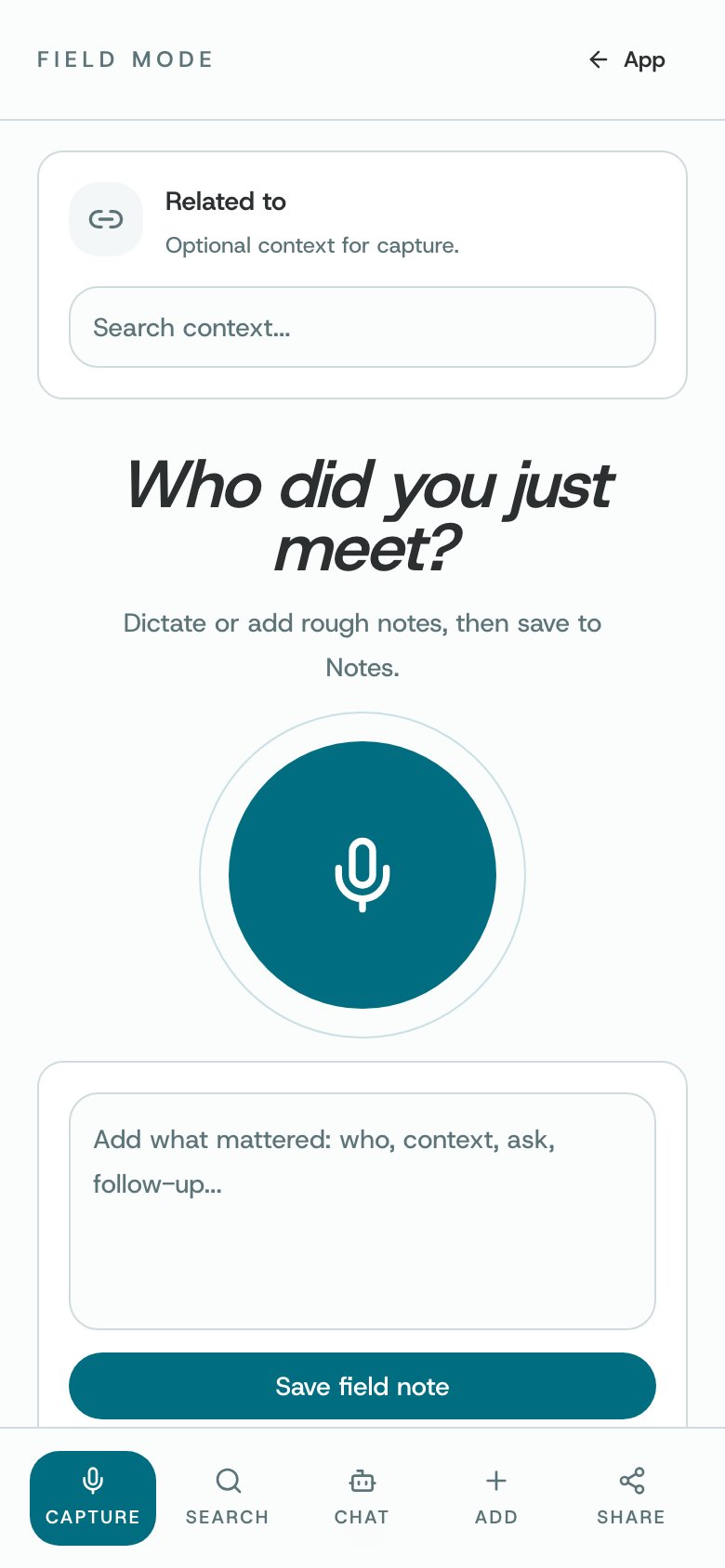
Field Mode on a phone
What you can do
- Keep a detail about someone you have met or an event you are attending.
- Search for a person.
- Open chat for help in the field.
- Add information or share using the corresponding mode.
How to use it
- Choose the mode that matches the task from the Field Mode navigation.
- Check who the information is about and add the details you want to remember before saving.
- Review captured details for accuracy before leaving the page.
Availability and privacy. Some modes or actions depend on sign-in, connectivity, and access. Only capture information you have a legitimate reason to record; shared information remains subject to the controls shown.