

Where to find it
Open Settings → Goals.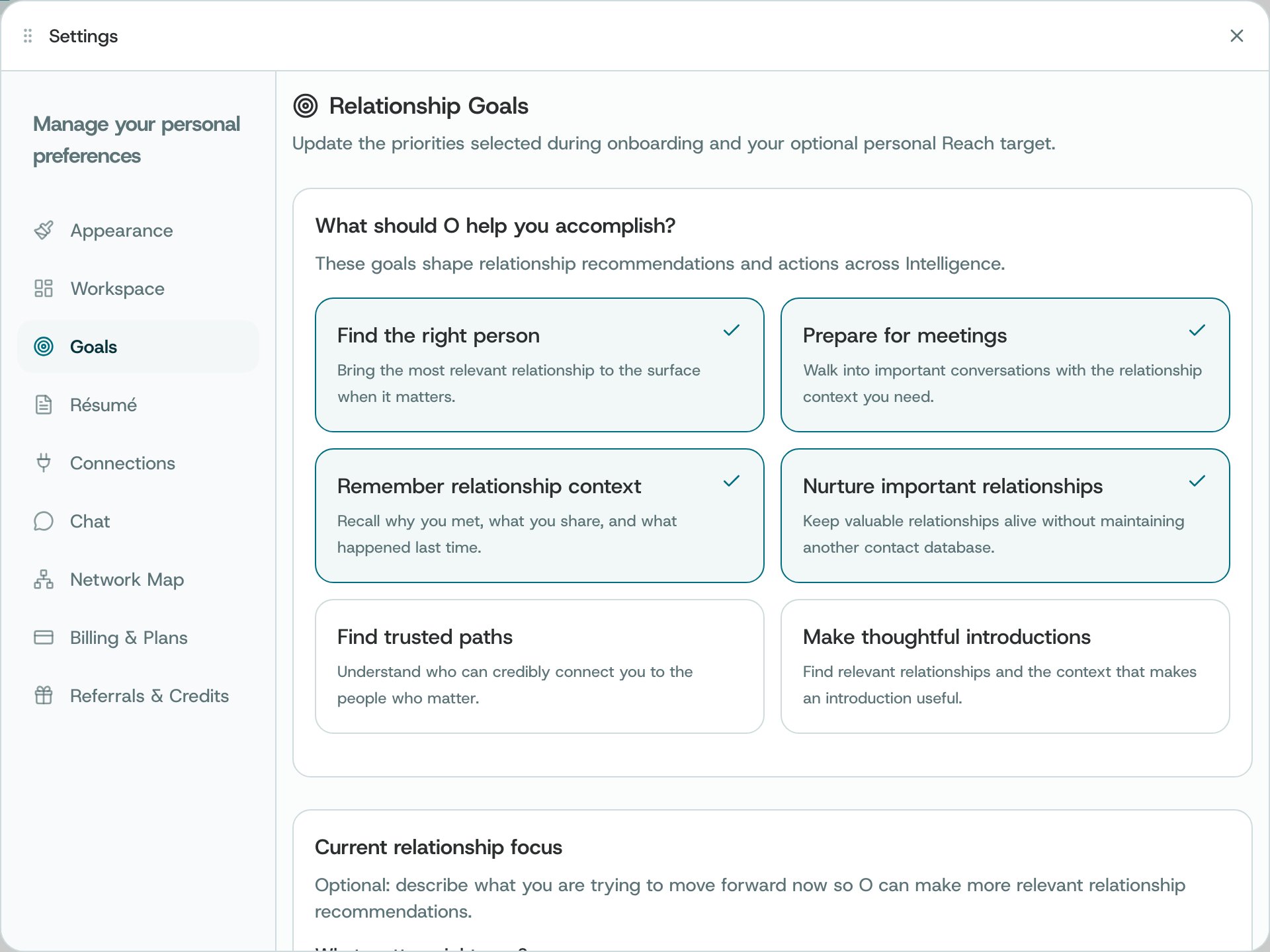
Settings → Goals
What you can do
- Toggle the goal cards that describe what you want O to help with.
- Enter a current focus in the text area when useful.
- Set a positive whole-number Reach target within the displayed limit, or leave it empty.
- Select Save to update goals and preferences.
How to use it
- Review the saved state after the update confirmation.
- Change goals as your priorities change; the optional target is not a guaranteed outcome.
Availability and privacy. Goal settings inform context but do not guarantee specific recommendations or outcomes.