

Where to find it
Open Notifications → Reminders or /notifications?tab=reminders.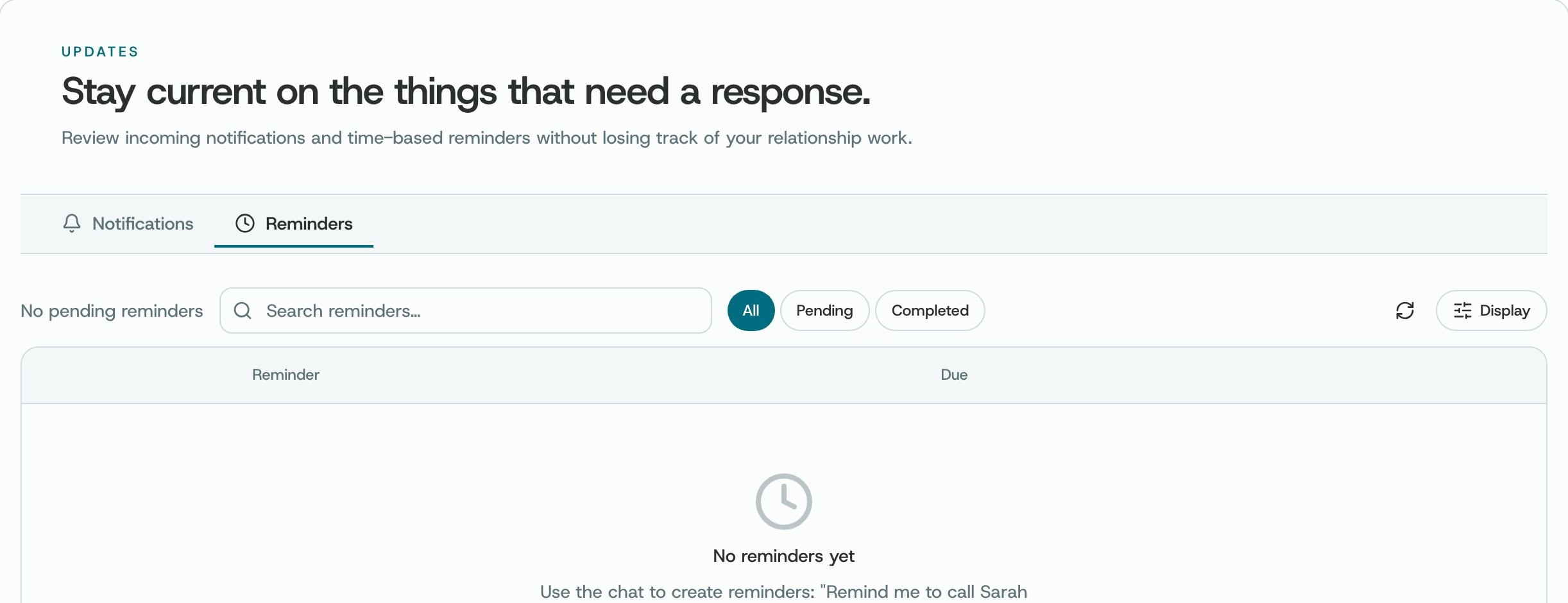
Notifications → Reminders, before you have any
What you can do
- Check when a reminder is due and the member or task it is about.
- Open a reminder to read the details or mark the follow-up complete.
- Use available snooze, complete, edit, or delete actions shown on the item.
How to use it
- Check who the reminder is about and what you planned to do before acting.
- Update a due date when your plan changes rather than leaving an inaccurate reminder.
- Use the direct reminder link to locate the specified item.
Availability and privacy. Reminder content is personal workspace data. Actions may be limited by ownership or permissions.