> ## Documentation Index
> Fetch the complete documentation index at: https://docs.sumbios.ai/llms.txt
> Use this file to discover all available pages before exploring further.
# Goals
> Tell O what you would like help with as your priorities change.
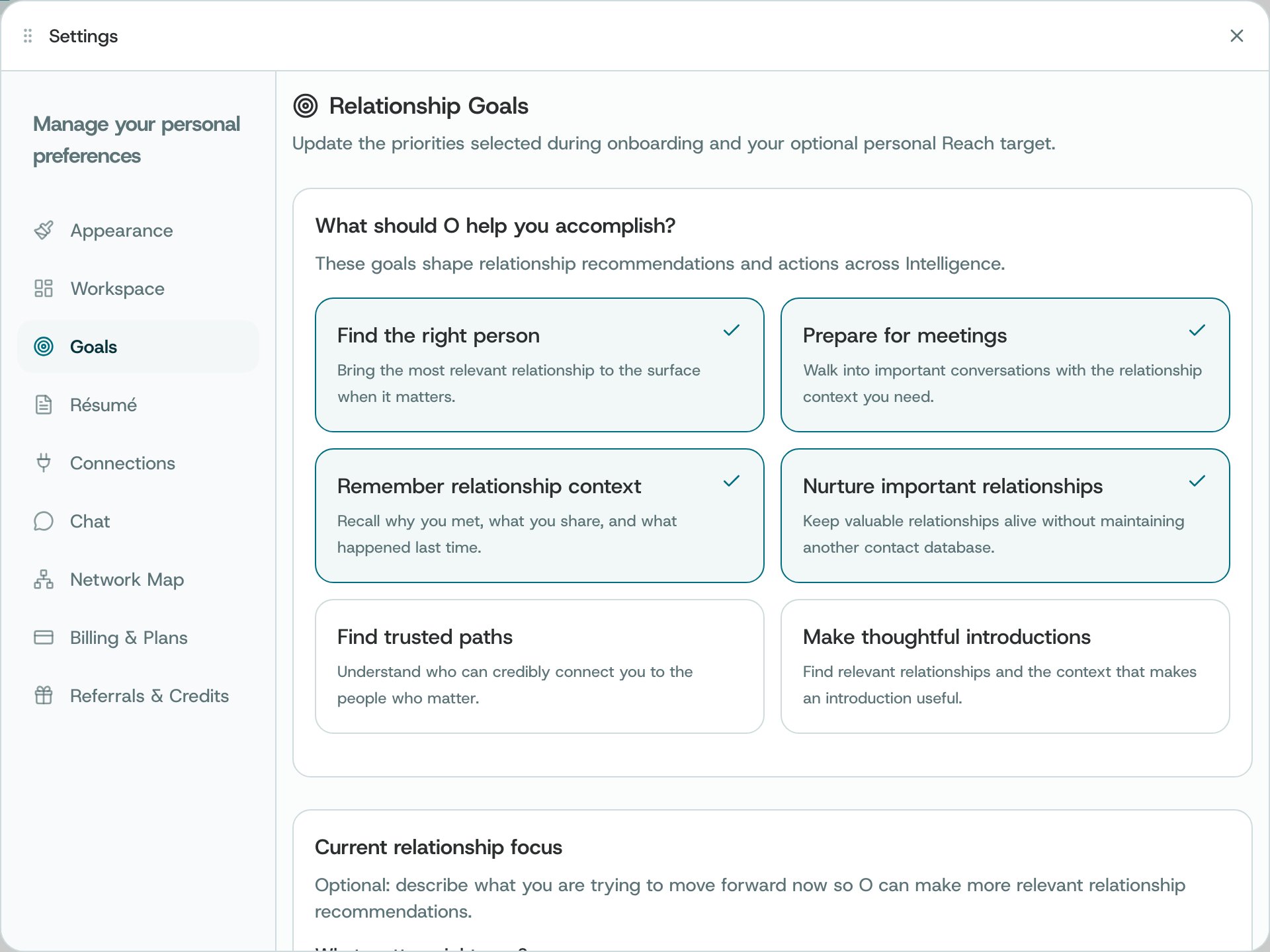
Review the relationship goals you chose when getting started, add a current focus, or set an optional Reach target for Network Health.
## Where to find it
Open Settings → Goals.
 ## What you can do
* Toggle the goal cards that describe what you want O to help with.
* Enter a current focus in the text area when useful.
* Set a positive whole-number Reach target within the displayed limit, or leave it empty.
* Select Save to update goals and preferences.
## How to use it
* Review the saved state after the update confirmation.
* Change goals as your priorities change; the optional target is not a guaranteed outcome.
**Availability and privacy.** Goal settings inform context but do not guarantee specific recommendations or outcomes.
This documentation is built and hosted on [Mintlify](https://mintlify.com), a developer documentation platform.
## What you can do
* Toggle the goal cards that describe what you want O to help with.
* Enter a current focus in the text area when useful.
* Set a positive whole-number Reach target within the displayed limit, or leave it empty.
* Select Save to update goals and preferences.
## How to use it
* Review the saved state after the update confirmation.
* Change goals as your priorities change; the optional target is not a guaranteed outcome.
**Availability and privacy.** Goal settings inform context but do not guarantee specific recommendations or outcomes.
This documentation is built and hosted on [Mintlify](https://mintlify.com), a developer documentation platform.